eSIM for Egypt: Best Plans, Coverage, and Setup Tips
Everything you need to know about using eSIM in Egypt. Best data plans, network coverage, and setup instructions.
By Hello Travel Team
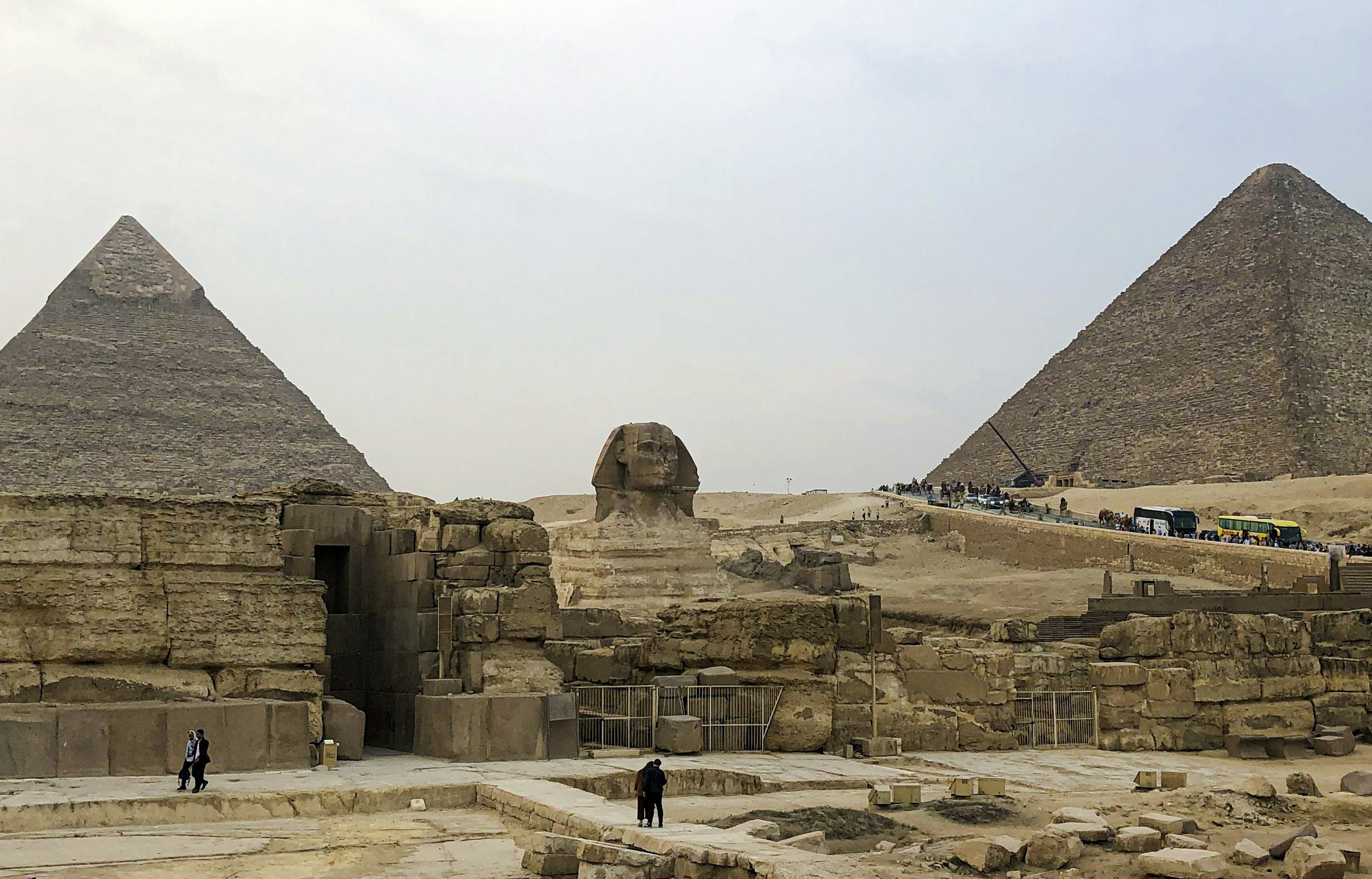
TL;DR: How to use eSIM for Egypt and stay connected easily
Using an eSIM for Egypt is the easiest way to stay online for maps, ride-hailing, and trip planning without queuing for a SIM card at Cairo Airport. An eSIM from Hello lets you buy and activate data before you fly, arrive connected, and track your travel budget in one app.
If you’re planning your Egypt travel internet, think of your eSIM as your digital SIM card: once installed, it connects you to local networks for fast data across Cairo, Luxor, Aswan, and the Red Sea resorts. Hello’s Egypt eSIM plans start from 5GB, with live prices updated in the app, so you can match your data to a 3–5 day city break or a 2-week Nile and desert adventure.
As of 2025, Egypt welcomed over 14.9 million international visitors, according to Egypt’s Ministry of Tourism and Antiquities, and most rely on mobile data for navigation, payments, and staying in touch. For many travellers, an Egypt eSIM plan is simpler and often cheaper than roaming, especially if your home operator charges $5–15 per day for data. Add Hello’s expense splitting and multi-currency tracking, and you can keep both your connection and your daily budget under control while you explore pyramids, bazaars, and coral reefs.
Best Egypt eSIM plans: How much data do you really need?
The best Egypt eSIM plan for you depends on how long you’re staying and how heavily you use maps, social apps, and video, but most travellers are comfortable with 5–20GB for a 7–14 day trip. Hello lets you choose flexible data amounts, starting at 5GB, with instant activation before departure.
For a typical one-week trip to Egypt in 2026, budget around 5–10GB if you mostly use Google Maps, WhatsApp, and light social media, and 15–20GB if you stream short videos or upload lots of photos over mobile data rather than hotel Wi‑Fi. According to several price comparison sites, Egypt eSIM plans from various providers in 2025 often range roughly from $5–10 for 3–5GB and $20–30 for 20GB, so Hello’s live pricing will usually fall in a similar band, depending on promotions and partners.
Here’s a quick guide to typical data usage scenarios:
- Light user (7 days in Cairo and Giza): 3–5GB – navigation, messaging, occasional social posts.
- Regular user (10 days including Luxor and Aswan): 8–15GB – maps, ride‑hailing, social, some YouTube.
- Heavy user (2 weeks plus Red Sea resort): 20GB+ – frequent video, cloud backups, remote work.
With an eSIM from Hello, you can install your Egypt mobile data plan before you travel, monitor usage in the app, and top up if you find yourself watching more Reels from the Khan el‑Khalili market than expected.
Coverage and speeds: Where Egypt eSIMs work best
An eSIM for Egypt will give you good coverage in most cities and tourist areas, with the strongest mobile data in Cairo, Giza, Luxor, Aswan, and Red Sea resorts like Hurghada and Sharm el‑Sheikh. Rural desert areas and some parts of the Sinai can be patchy, so download offline maps as a backup.
Egypt’s main networks—such as Vodafone Egypt, Orange Egypt, and Etisalat—focus their fastest 4G/LTE coverage around cities, major roads, and tourist hubs along the Nile and the Red Sea. The country had over 110 million mobile subscriptions in 2024, according to Egypt’s National Telecom Regulatory Authority, reflecting widespread mobile usage and continued investment in network infrastructure.
Practically, this means you can expect:
- Strong signal and 4G speeds in central Cairo (Downtown, Zamalek, Maadi), around the Giza Pyramids, and at major museums and malls.
- Reliable coverage in Luxor and Aswan, including popular temple sites like Karnak and Philae, though speeds may slow at peak times.
- Good Egypt travel internet along the Red Sea coast, especially in resort zones, with many cafés and hotels also offering Wi‑Fi.
When you use Hello eSIM in Egypt, your phone will automatically connect to partner networks with the best available signal in each area. For longer Nile cruises or desert excursions, pre‑download offline maps and key translation phrases in Arabic, and keep your phone in battery‑saving mode so you’re not caught without navigation when coverage dips.
How to set up an Egypt eSIM step‑by‑step before you fly
You can set up your Egypt eSIM in under 10 minutes: buy a plan in the Hello app, install the eSIM on your phone via QR code or in‑app instructions, and activate it when you land so you arrive in Cairo already connected. This avoids airport SIM queues and roaming surprises on your first day.
Most modern iPhones (XS and newer) and many recent Android phones support eSIM. Check your device settings under Mobile Data or SIM Manager to confirm. Then:
- Download the Hello app on iOS or Android.
- Choose Egypt from the eSIM countries list and pick a data plan (plans start from 5GB, with live prices shown in your currency).
- Follow the on‑screen steps to install the Hello eSIM profile—usually by scanning a QR code or tapping a configuration link.
- Label the new line (e.g., “Egypt data”) and set it as your default for mobile data while keeping your home SIM active for calls if you like.
- On arrival, turn on data roaming for the Hello eSIM line and wait a few seconds for it to connect to a local network.
Many travellers prefer doing this at home, with stable Wi‑Fi, so there’s no rush at the airport. As a practical tip, take screenshots of your QR code and instructions, and print them if you’re not confident with settings. Once active, you can track data use in Hello, add more if needed, and manage your Egypt mobile data without visiting a phone shop.
eSIM vs local SIM: costs, convenience, and what’s best in Egypt
Choosing between an Egypt eSIM plan and a local SIM comes down to how much you value time and flexibility: eSIMs from Hello win on convenience, while physical SIMs can be slightly cheaper but require paperwork, queues, and SIM swapping on arrival.
At Cairo Airport, major operators offer tourist SIM packages, often including around 20–30GB of data for roughly 400–600 EGP (about $10–15 in 2025) according to recent traveller reports and local telecom promotions. You’ll usually need to show your passport, have an unlocked phone, and sometimes wait while staff register your number.
With Hello eSIM, you skip all of that: no passport registration, no tiny plastic cards, and no need to find a kiosk after a long flight. You install the eSIM before your trip, turn it on after landing, and you’re ready to order a ride, message your hotel, or check opening times for the Egyptian Museum.
Here’s a simple comparison of options for Egypt travel internet:
| Option | Pros | Cons |
|---|---|---|
| Hello Egypt eSIM | Instant setup, no queue, keeps home SIM, easy top‑up | Needs eSIM‑compatible phone |
| Airport tourist SIM | Often slightly cheaper, local number | Queue, passport, SIM swap, store opening hours |
| Roaming with home SIM | No setup, keep same number | Usually most expensive, limited data |
For most short‑term visitors doing classic routes—Cairo, Giza, Luxor, Aswan, plus a Red Sea side trip—a Hello Egypt eSIM strikes the best balance: fair pricing, strong coverage, and minimal hassle so you can focus on temples, not telecoms.
Managing costs: data use, budgets, and expense splitting in Egypt
To keep Egypt mobile data and travel costs under control, combine a well‑sized eSIM plan with simple budgeting habits: track your daily spend, use Wi‑Fi where it’s reliable, and let Hello’s budget tools and expense splitting handle the tricky maths with friends.
On the ground, everyday expenses in Egypt can be surprisingly affordable. In 2025, many mid‑range restaurant meals in Cairo cost around $8–15 per person, while metro rides are often under 10 EGP (about $0.30) per trip, according to local price surveys and traveller reports. These savings make it tempting to splurge on extra experiences—sunset felucca rides in Aswan, sound‑and‑light shows at the Pyramids, or snorkelling in Hurghada—so a basic budget framework helps.
Hello’s app is designed as more than just an Egypt eSIM tool. You can:
- Scan receipts with AI receipt scanning in any language or currency.
- Import bank statements (CSV/PDF) and Gmail booking receipts automatically.
- Track spending in multi‑currency, with live exchange rates for Egyptian pounds.
- Split expenses with friends—even if someone pays in EUR, another in USD, and you settle in EGP.
A practical scenario: you and two friends share a $45 dinner in Zamalek, a 300 EGP Uber ride from Giza, and a 1,200 EGP day trip to Saqqara. Log each expense in Hello, assign who paid, and let the app calculate who owes what. Meanwhile, your Hello eSIM for Egypt quietly keeps all your apps online so your budget and your group chat stay in sync.
Common Questions about eSIM Egypt: setup, safety, and compatibility
Most travellers’ questions about eSIM Egypt revolve around compatibility, safety, and whether it’s better than buying a local SIM; in short, if your phone supports eSIM, a Hello Egypt eSIM is a safe, convenient, and often more flexible way to stay connected while you travel.
Q: Do I need an unlocked phone for an Egypt eSIM plan?
Yes. Your phone must be unlocked to use an eSIM from Hello for Egypt. You can usually confirm this by checking with your home carrier or looking in your device settings. Locked phones may restrict you to your domestic provider’s roaming options.
Q: Will an eSIM work everywhere in Egypt?
You’ll have strong coverage in major tourist areas—Cairo, Giza, Luxor, Aswan, and most Red Sea resorts. Remote desert areas, long stretches of highway, and parts of the Sinai may have weaker signal, so download offline maps and key bookings before travelling long distances.
Q: Is eSIM data safe to use for banking and bookings?
Yes. Mobile data via an Egypt eSIM is generally as secure as your home data connection. For sensitive tasks (online banking, flight changes), prefer mobile data over public Wi‑Fi, and use official apps. Hello does not share your browsing data with local stores or hotels.
Q: Can I use my Egypt eSIM in other countries?
Hello offers eSIM connectivity in over 200 countries, so you can buy additional plans for nearby destinations, much like using Hello eSIM for Japan on an Asia trip. Each plan is country‑specific, but managed in the same app.
Q: What if I run out of data mid‑trip?
Open the Hello app, check your usage, and top up with extra data. This is easier than negotiating another SIM at a local shop and keeps your number and settings unchanged.
Explore These Destinations
Stay Connected
Stay connected in Egypt
Get an eSIM before you land. Hello gives you instant data in 200+ countries — no SIM swaps, no roaming fees.
Related Articles
Egypt Currency & Money Guide: Exchange, Cards, and Tips
Currency exchange, credit card acceptance, ATM tips, tipping culture, and money-saving advice for Egypt.
26 July 2026
Egypt Safety Guide: Tips for a Safe Trip
Safety tips, health advisories, emergency contacts, common scams, and travel insurance advice for Egypt.
17 July 2026
Egypt Visa & Entry Requirements for Singapore Passport Holders
Visa requirements, passport validity, customs allowances, and entry tips for Singapore citizens travelling to Egypt.
8 July 2026