eSIM for Lesotho: Best Plans, Coverage, and Setup Tips
Everything you need to know about using eSIM in Lesotho. Best data plans, network coverage, and setup instructions.
By Hello Travel Team
TL;DR: The Best eSIM for Lesotho Travel
For most visitors, a Hello eSIM is the simplest way to arrange Lesotho mobile data before departure: buy a plan in the Hello app, install it while connected to Wi-Fi, and activate it on arrival. Hello plans start from 5GB, with prices updated live, so choose based on trip length and whether you will mainly use maps and messaging or regularly upload photos and video. Coverage is strongest in Maseru and larger towns, while remote highlands and mountain passes can have weak or no signal. Lesotho recorded 787,069 international arrivals in 2025, according to Visit Lesotho, so planning reliable travel internet before your trip is worthwhile.
Choosing a Lesotho eSIM Plan for Your Trip
The right Lesotho eSIM plan depends less on the number of days you are away than on how often you use navigation, social media, and video. Hello's eSIM plans for 200+ countries start from 5GB, and current prices are shown live in the Hello app, allowing you to select a plan shortly before departure rather than relying on outdated price lists.
As a practical guide for 2026:
| Travel style | Suggested data | Typical use |
|---|---|---|
| Weekend in Maseru | 5GB | Maps, messaging, ride coordination and light browsing |
| One-week road trip | 5–10GB | Navigation, accommodation searches and photo uploads |
| Two-week highlands trip | 10GB or more | Frequent maps, weather checks, social media and video calls |
A 5GB Lesotho eSIM plan can last a week when you download offline maps, use Wi-Fi at your accommodation, and disable automatic photo backups. Video calls and short-form video consume data quickly, so travellers working remotely should select more data. You can review and purchase Hello eSIM for Lesotho before leaving home, then keep your primary SIM active for calls if your phone supports dual SIM.
Lesotho Mobile Data Coverage: Maseru, Towns, and the Highlands
Hello eSIM coverage is generally most dependable in Maseru and other population centres, but travellers should expect connectivity to become less consistent as roads climb into Lesotho's mountain districts. Local network information indicates that Vodacom Lesotho and Econet Telecom Lesotho provide the main mobile services, with workable 3G and 4G around Maseru and larger towns such as Leribe, Mafeteng, and Mohale's Hoek.
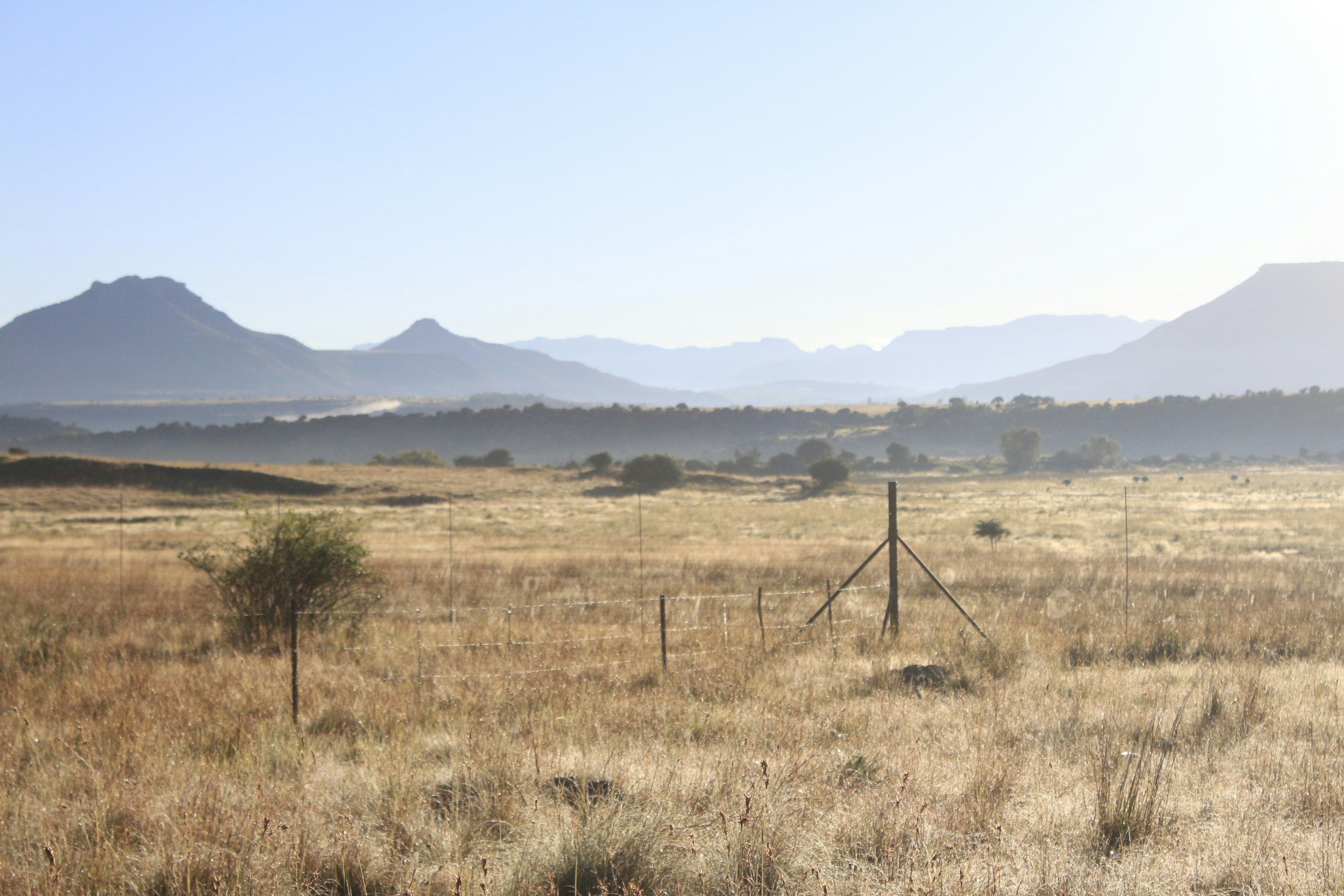
In practical terms, you can usually rely on mobile data for directions, messaging, online bookings, and weather checks in urban areas. Coverage may weaken in hilly outskirts, valleys, and sparsely populated areas. Mountain passes—including routes around the Maloti and approaches to Sani Pass—can have temporary black spots or no service at all. Sehlabathebe National Park and remote parts of Mokhotlong, Thaba-Tseka, and Qacha's Nek require particular preparation.
Download Google Maps or another navigation app for offline use, save accommodation addresses as screenshots, and tell someone your route before leaving Maseru. A live signal should never be your only safety plan when hiking or driving through isolated terrain. Hello's eSIM uses available local mobile networks; it cannot create coverage where towers are absent.
How to Install and Activate a Hello eSIM in Lesotho
The easiest setup is to install your Hello eSIM before flying to Lesotho and activate it when you arrive, because installation requires a stable internet connection while activation requires the correct mobile-data settings. Complete the process at home over Wi-Fi, then test the line before departure without accidentally using it as your primary data connection.
- Download the Hello app for iOS or Android and create an account.
- Select Lesotho, review the current plan validity and data allowance, and purchase your preferred option.
- Install the eSIM from the app or follow the on-screen installation instructions; do not delete the eSIM after installation.
- Label the line “Hello Lesotho” so it is easy to identify alongside your home SIM.
- On arrival, select Hello as your mobile-data line and enable data roaming for that eSIM if the app’s instructions require it.
- Turn off data roaming on your home SIM to prevent unexpected charges.
- Open a website or map to confirm that data is working.
Menus vary by device, but iPhone users generally find these controls under Settings and Mobile Service, while Android labels may include SIM Manager or Network and Internet. Keep the original SIM active only for calls or text messages if your carrier permits it.
Practical Lesotho Travel Internet Tips for Road Trips and Hiking
The best Lesotho mobile-data strategy combines a Hello eSIM with offline planning, because the country’s most memorable landscapes are often located beyond dependable mobile coverage. Maseru has the most reliable connectivity, but road trips toward the highlands can take you through long stretches where navigation, payment apps, and messages may not load.
Before leaving the capital:
- Download offline maps for Maseru, the route to your next overnight stop, and nearby towns.
- Save booking confirmations, passport details, driving documents, and emergency contacts offline.
- Charge your phone and carry a power bank; cold high-altitude conditions can reduce battery life.
- Ask your lodge about Wi-Fi availability rather than assuming it will support video calls.
- Download music, podcasts, and entertainment before travelling into rural districts.
- Use a physical map or written directions for remote routes and mountain passes.
For a typical 2026 road trip, budget separately for accommodation, fuel, and activities rather than treating mobile data as a substitute for local advice. In villages and rural areas, greet people respectfully and ask before photographing them. At guesthouses, notify staff if you expect to arrive late, particularly when travelling on mountain roads where a delayed route and weak signal can make communication difficult.
Managing Trip Costs with Hello While Travelling in Lesotho
A Hello eSIM helps you stay connected, while the Hello app can also make it easier to understand where your Lesotho travel budget is going. This is useful on road trips where expenses are shared across fuel, accommodation, meals, park fees, and guided activities, often in more than one currency.
Hello supports AI receipt scanning in different languages and currencies, voice expense entry, bank-statement import through CSV or PDF, automatic categorisation, and multi-currency tracking with live exchange rates. Friends travelling together can split expenses and let the app convert amounts automatically, reducing the need to calculate each person’s share manually.
For example, one traveller can photograph a fuel receipt, another can record a lodge payment by voice, and the group can divide the expense without first converting every amount into a home currency. Review entries when you have Wi-Fi in Maseru or at your accommodation, especially if you are travelling through areas with intermittent signal.
Keep a small cash reserve for rural purchases and backup transport. Card acceptance and connectivity can vary outside major towns, so do not rely exclusively on mobile payment apps. The Hello app is available through travelwithhello.com and the App Store or Google Play, with connectivity and budgeting tools in one travel companion.
Common Questions About eSIM Lesotho and Mobile Data
Most visitors can use a Hello eSIM in Lesotho without visiting a shop, but the phone must support eSIM technology and be unlocked; coverage remains strongest in towns and can disappear in remote mountain areas. Install before departure, prepare offline maps, and verify the plan’s current terms in the Hello app.
Does Lesotho support eSIM travel data?
Yes. A Hello eSIM can provide travel data in Lesotho when installed on a compatible, unlocked phone. Purchase and installation can be completed before departure, which avoids searching for a mobile shop immediately after crossing the border or landing.
Will Hello eSIM work throughout Lesotho?
It should work where the underlying local network has service, especially in Maseru and larger towns. Remote highlands, national parks, valleys, and mountain passes may have limited or no signal. Download offline maps before leaving connected areas.
How much Lesotho mobile data do I need?
Choose 5GB for light use over several days, 5–10GB for a typical week-long road trip, and at least 10GB for longer stays, frequent photo uploads, remote work, or video calls. Hello’s current plans and prices should be checked in the app because availability and pricing can change.
Can I keep my home number active?
Usually, yes, if your phone supports dual SIM. Set Hello as the data line and disable data roaming on your home SIM. Confirm your home carrier’s calling and roaming charges before departure.
Explore These Destinations
Stay Connected
🇱🇸 eSIM Plans for Lesotho
Stay connected in Lesotho
Get an eSIM before you land. Hello gives you instant data in 200+ countries — no SIM swaps, no roaming fees.
Related Articles
Lesotho Currency & Money Guide: Exchange, Cards, and Tips
Currency exchange, credit card acceptance, ATM tips, tipping culture, and money-saving advice for Lesotho.
28 July 2026
Lesotho Safety Guide: Tips for a Safe Trip
Safety tips, health advisories, emergency contacts, common scams, and travel insurance advice for Lesotho.
19 July 2026
Lesotho Visa & Entry Requirements for Singapore Passport Holders
Visa requirements, passport validity, customs allowances, and entry tips for Singapore citizens travelling to Lesotho.
10 July 2026