eSIM for Bahrain: Best Plans, Coverage, and Setup Tips
Everything you need to know about using eSIM in Bahrain. Best data plans, network coverage, and setup instructions.
By Hello Travel Team
TL;DR: The Best eSIM for Bahrain in 2026
For most visitors, a Hello eSIM for Bahrain is the simplest way to get Bahrain travel internet without visiting a shop or changing your physical SIM. Install it before departure, select it for mobile data after landing, and choose a plan based on your trip length and usage; Hello’s Bahrain plans start from 5GB, with prices updated live in the Hello app. Bahrain International Airport also provides free Wi-Fi throughout the terminal, but an eSIM from Hello is more practical once you leave the airport.
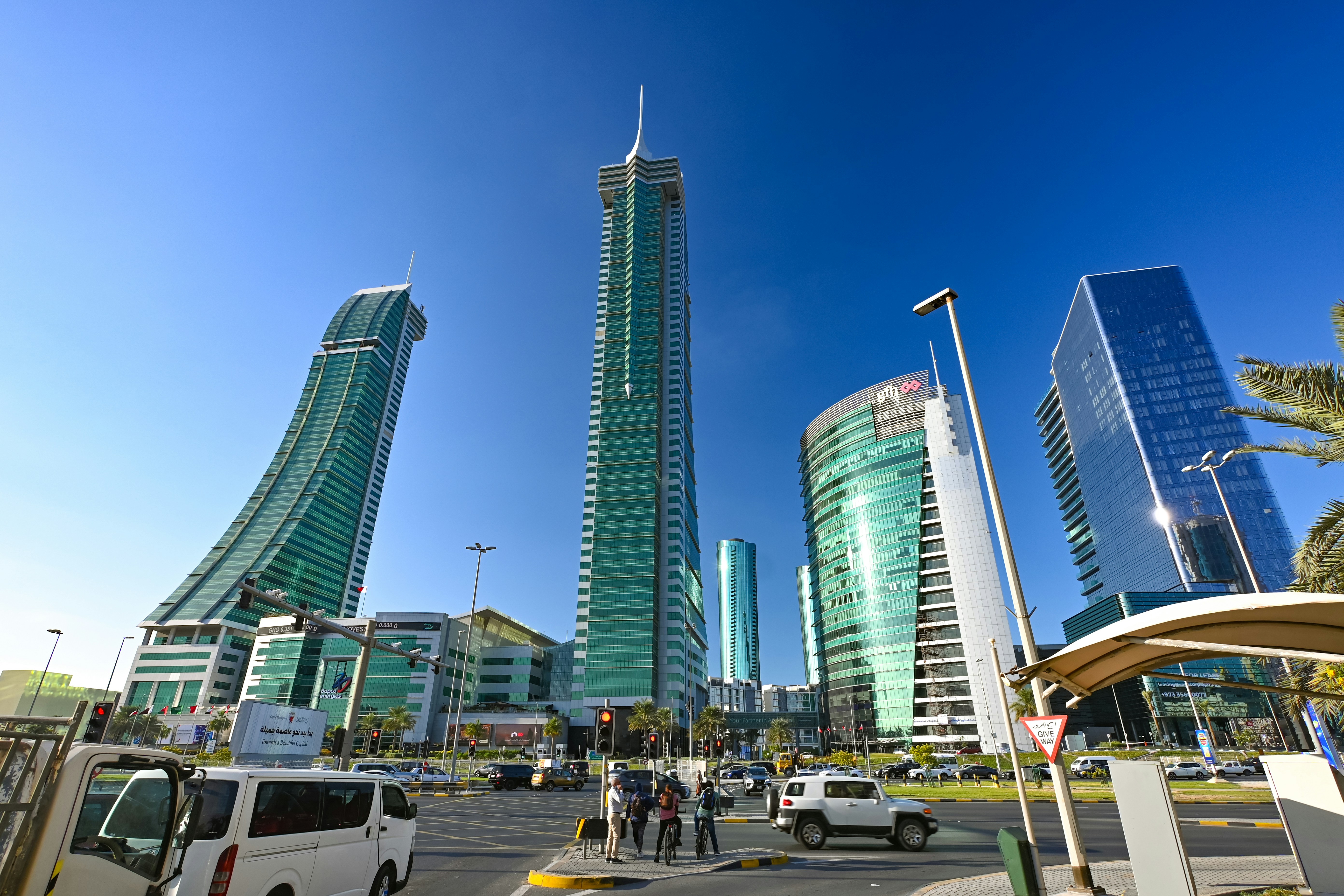
Bahrain is compact, so mobile coverage is generally strong in Manama, the airport, Muharraq, Juffair, Seef, and along major roads. Use Wi-Fi for large downloads, save maps offline, and monitor video streaming if you select a smaller Bahrain eSIM plan.
Bahrain eSIM Plans: How Much Mobile Data Do You Need?
A Bahrain eSIM plan of 5GB is usually enough for a short city break, while 10GB or more suits travellers using navigation, social media, ride-hailing, and regular video calls over one to two weeks. Hello offers Bahrain eSIM connectivity starting from 5GB, and current prices and validity periods are displayed live before purchase, so check the app close to departure rather than relying on an old price list.
As a practical guide for 2026:
| Trip style | Suggested data | Typical usage |
|---|---|---|
| Weekend stopover | 5GB | Maps, messaging, bookings, light social media |
| One-week holiday | 5–10GB | Daily navigation, photos, music and occasional video |
| Two-week trip | 10GB+ | Frequent uploads, calls, hotspot use and streaming |
| Heavy business use | 15GB+ | Video meetings, cloud files and laptop tethering |
Bahrain’s currency is the Bahraini dinar, abbreviated BHD, and prices can vary as plans are updated. For budgeting, keep the eSIM purchase separate from daily spending in the Hello app, where you can track currencies, scan receipts, and split shared expenses with automatic exchange-rate conversion. See Hello eSIM for Bahrain for the current available options.
Bahrain Mobile Coverage and Network Performance
Bahrain’s small geographic size means travellers can generally expect reliable Bahrain mobile data in urban areas, at the airport, and on the main routes connecting Manama with Muharraq and other populated districts. Local operators include Batelco, stc Bahrain, and Zain Bahrain; the network available to an eSIM depends on the plan’s roaming arrangements and your phone’s compatibility.
Coverage is typically strongest around:
- Manama’s business district and diplomatic area
- Bahrain International Airport and Muharraq
- Juffair, Adliya, Seef, and Amwaj Islands
- Major hotels, shopping centres, and highways
- Popular visitor areas such as the Bahrain National Museum, Bab Al Bahrain, and the Bahrain Fort area
In more exposed desert areas, on boats, or inside thick concrete buildings, signal can weaken. Download directions before driving south toward the Al Areen area, and avoid depending on live navigation during a long day trip. Bahrain Airport’s official website states that free Wi-Fi is available throughout the terminal without registration, which is useful for messaging family, booking transport, or activating a plan after arrival. Hello’s eSIM plans are designed to provide mobile data beyond that temporary airport connection.
How to Install and Activate a Hello eSIM in Bahrain
The safest setup is to install your Hello eSIM before flying, while connected to dependable Wi-Fi, then make it your mobile-data line after landing in Bahrain. This approach lets you troubleshoot before departure and avoids relying on airport Wi-Fi while arranging transport or contacting your accommodation.
- Confirm that your phone is unlocked and supports eSIM technology. Recent iPhone, Google Pixel, Samsung Galaxy, and many other current models support eSIM, but availability varies by exact model and region.
- Purchase a Bahrain plan in the Hello app or at travelwithhello.com.
- Follow the in-app installation instructions. Keep the confirmation email or activation details available until the line is working.
- Label the new line “Bahrain” so it is easy to identify.
- Before takeoff, leave your normal SIM active if you need calls or text messages, but disable its data roaming to avoid unexpected charges.
- After landing, select the Hello line for mobile data and enable data roaming on that travel line if the installation instructions require it.
- Test a map, website, or messaging app before leaving Bahrain International Airport.
If the connection does not start immediately, toggle airplane mode, restart the phone, and check that the Hello line is enabled for data.
Bahrain Travel Internet Tips for Airports, Hotels, and Road Trips
For dependable Bahrain travel internet, combine a Hello eSIM with sensible offline preparation: use airport Wi-Fi for initial messages, rely on cellular data outdoors, and download essential maps and reservations before leaving your hotel. This gives you a backup when Wi-Fi is slow, crowded, or unavailable.
Bahrain International Airport offers free Wi-Fi throughout its premises, so arriving passengers can contact a driver, check hotel directions, or open the Hello app immediately. However, airport Wi-Fi is not a substitute for continuous connectivity once you are on the road. Save your accommodation address in both English and Arabic if possible, particularly if travelling by taxi to a less familiar neighbourhood.
Useful habits include:
- Download Google Maps areas and hotel confirmations before departure.
- Use messaging and map apps rather than high-definition video when conserving data.
- Turn off automatic photo backups until you have hotel Wi-Fi.
- Carry a power bank for full-day visits to museums, forts, beaches, or the southern desert.
- Keep your passport and booking details accessible because some check-ins and vehicle rentals require them.
- Use hotel or café Wi-Fi for operating-system updates and large file transfers.
Bahrain is easy to explore by car or taxi, but a working data connection is especially useful for ride-hailing, live traffic, changing meeting locations, and translating menus or signs.
Common Questions About eSIM Bahrain
The short answer to most eSIM Bahrain questions is yes: a compatible, unlocked phone can use Hello mobile data without a physical SIM, and installing the plan before departure is usually the most convenient option. Your exact experience depends on your device, the selected plan, and local network availability.
Does Bahrain support eSIM? Yes. Bahrain supports eSIM technology, and Hello offers travel eSIM plans for visitors. Compatibility still depends on your phone model, regional firmware, and whether the device is carrier-unlocked.
Can I buy a Hello eSIM before arriving? Yes. Hello lets travellers purchase and install an eSIM before the trip, allowing them to arrive with mobile data ready instead of searching for a shop at the airport.
Will my regular number still work? Usually, you can keep your physical SIM active for calls and messages while assigning Hello as the data line. Disable roaming on the regular SIM unless your home provider explicitly includes Bahrain.
Does a Hello eSIM include a Bahraini phone number? Travel eSIM plans are generally intended for data. Check the specific Hello plan description if you need traditional local calls or SMS.
Can I use hotspot? Hotspot availability depends on the plan and device settings. Check the Hello app’s plan details before relying on tethering for a laptop or travel companion.
Manage Bahrain Trip Costs with the Hello App
The Hello app is useful beyond connectivity because it combines an eSIM, trip planning, and travel-money tools in one place. After purchasing a Hello Bahrain plan, you can use the same app to monitor trip spending, organize shared costs, and keep expenses understandable when prices are shown in BHD but your personal budget is in another currency.
For a group trip, expense splitting supports multiple currencies and automatic exchange-rate conversion. One person can record a taxi in Bahraini dinars, another can add dinner in a different currency, and the app can help calculate each traveller’s share. AI receipt scanning can read receipts in different languages and currencies, while voice expense entry is helpful when you are leaving a restaurant or boarding a taxi. Bank-statement import supports CSV and PDF files, and AI-powered categorization can organize transport, accommodation, food, and activities.
A realistic 2026 planning example is to create separate budget categories for accommodation, meals, transport, attractions, and connectivity. Record the Bahrain eSIM before departure, then compare your planned daily allowance with actual spending in Manama, Juffair, or Muharraq. Hello is available through travelwithhello.com and on the App Store and Google Play, with eSIM connectivity across more than 200 countries.
Explore These Destinations
Stay Connected
Stay connected in Bahrain
Get an eSIM before you land. Hello gives you instant data in 200+ countries — no SIM swaps, no roaming fees.
Related Articles
Bahrain Currency & Money Guide: Exchange, Cards, and Tips
Currency exchange, credit card acceptance, ATM tips, tipping culture, and money-saving advice for Bahrain.
24 July 2026
Bahrain Safety Guide: Tips for a Safe Trip
Safety tips, health advisories, emergency contacts, common scams, and travel insurance advice for Bahrain.
15 July 2026
Bahrain Visa & Entry Requirements for Singapore Passport Holders
Visa requirements, passport validity, customs allowances, and entry tips for Singapore citizens travelling to Bahrain.
6 July 2026