eSIM for Gambia: Best Plans, Coverage, and Setup Tips
Everything you need to know about using eSIM in Gambia. Best data plans, network coverage, and setup instructions.
By Hello Travel Team
TL;DR: Choosing an eSIM for Gambia
For most travellers, a Hello eSIM for Gambia is the simplest way to arrange mobile data before departure: buy your plan in advance, install it over Wi-Fi, and activate it when you arrive. Hello’s plans start from 5GB, with live pricing in the Hello app, making them suitable for maps, messaging, ride coordination, and everyday Gambia travel internet.
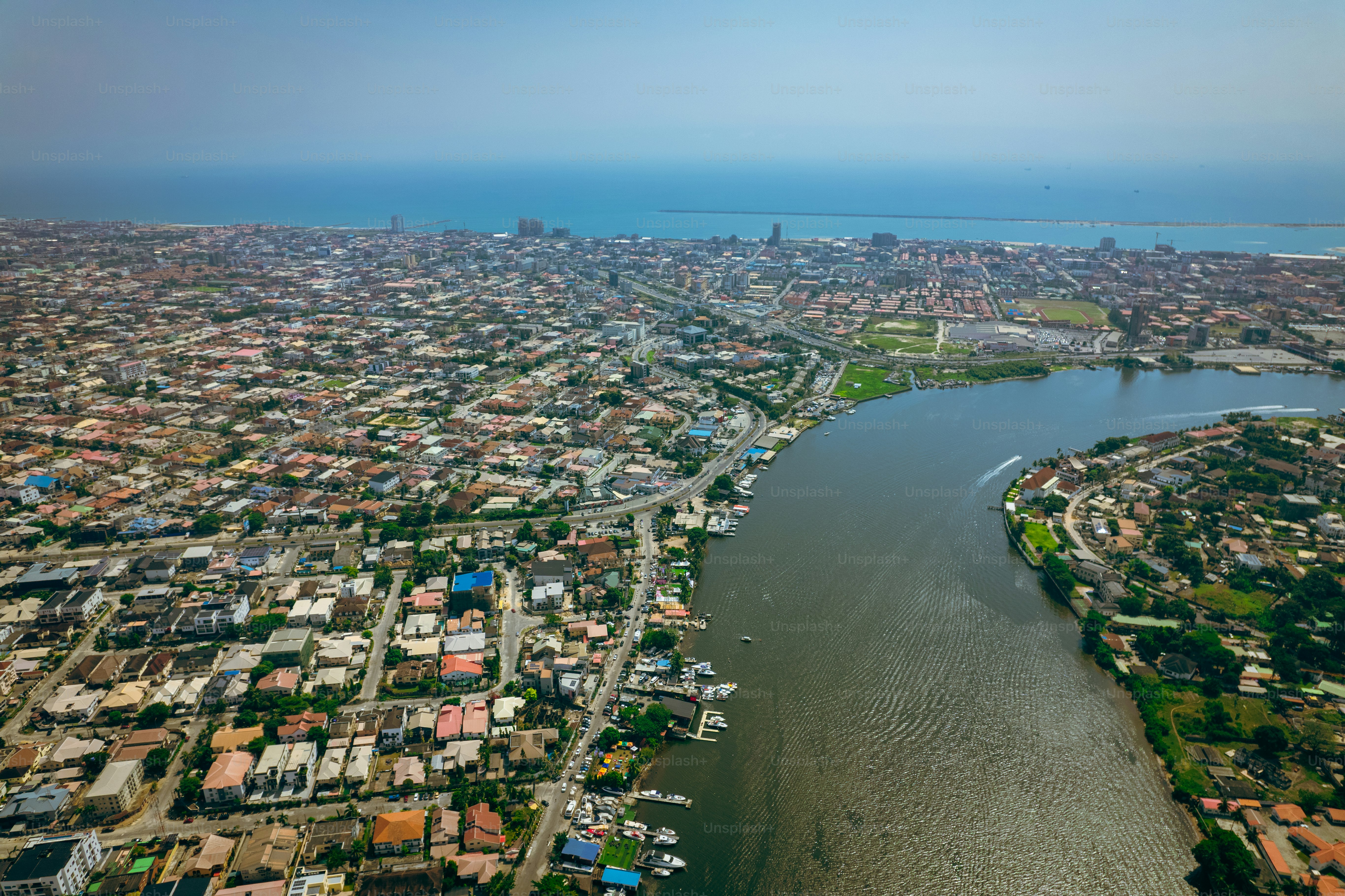
Coverage is generally strongest along the coastal tourist corridor, including Banjul, Serrekunda, Bakau, Kololi, Kotu, and Brikama. Service can become slower or intermittent inland and around remote river, forest, and rural areas, so download offline maps and keep your accommodation address available offline. The Gambia recorded about 227,000 tourist arrivals in 2024, according to the Gambian government news agency, so planning reliable connectivity is increasingly useful during the busy tourism season.
Why Use a Hello eSIM for Gambia Travel Internet?
A Hello eSIM is best for travellers who want mobile data working as soon as they land in The Gambia without searching for a shop, handling local paperwork, or removing their regular SIM card. You can purchase and install Hello’s eSIM before departure, then enable it after landing and use it for navigation, WhatsApp, translation, booking confirmations, and mobile banking.
Hello is a travel companion app for iOS and Android offering eSIM connectivity in more than 200 countries. Its Gambia plans start from 5GB, and prices are updated live, so check the app shortly before purchase for the current cost and validity period. A 5GB plan can suit a week-long trip if you mainly use messaging and maps; travellers staying two weeks or using video calls, social media, or hotspot sharing should consider a larger allowance.
A Hello eSIM also avoids a common arrival nuisance: relying on airport Wi-Fi while trying to arrange transport. Save your driver’s details, hotel address, and first map route before leaving home. For a practical starting point, review Hello eSIM for Gambia and choose the data amount that matches your itinerary.
Gambia eSIM Plans: How Much Data Do You Need?
The right Gambia eSIM plan depends less on the number of days than on how often you stream, video-call, upload photos, or share your connection. For a typical holiday, 5GB covers essential mobile data, while 10GB or more is more comfortable for longer stays and heavier use.
Use this guide when selecting Hello’s current plan in the app; prices are live and may change, so the figures below are usage estimates rather than fixed plan prices.
| Trip style | Suggested data | Typical use |
|---|---|---|
| Short city break, 3–5 days | 5GB | Maps, messaging, email, bookings |
| One-week beach holiday | 5–10GB | Social media, photos, transport, browsing |
| Two-week multi-stop trip | 10GB+ | Frequent navigation, uploads, calls |
| Remote work or hotspot use | 10GB+ | Video meetings, laptop tethering, cloud files |
On a seven-day trip, navigation and messaging may use only a few hundred megabytes, while video calling and automatic photo backups can consume several gigabytes. Turn off automatic app updates and cloud-photo uploads over mobile data. Download Google Maps areas, podcasts, and entertainment before departure, especially if you plan to travel beyond the coastal strip.
Gambia Mobile Data Coverage: Banjul, Beaches, and Inland Routes
Hello eSIM coverage is generally most dependable along The Gambia’s coastal corridor, while travellers heading inland should expect slower speeds, patchier service, or occasional dead zones. Banjul, Serrekunda, Bakau, Brikama, Kololi, Kotu, and the Senegambia area typically have the most useful 3G and 4G availability for visitors.
Local connectivity guides identify Africell, QCell, and Gamcel as the country’s established mobile operators, with coverage and performance varying by location. The coastal tourist belt—from Banjul and Cape Point toward Kololi, Kotu, and the southern beaches—is where travellers are most likely to find stable data for maps, messaging, and online bookings. Around Abuko Nature Reserve, river excursions, villages, and eastern regions, service may be intermittent even when a phone displays a network signal.
Plan around the landscape rather than assuming nationwide high-speed coverage:
- Download offline maps before travelling from the coast.
- Screenshot hotel confirmations, ferry details, and transport contacts.
- Carry a power bank because outages or long road journeys can limit charging opportunities.
- Tell someone your route before entering remote areas.
- Use Wi-Fi at hotels and cafés for large downloads or video calls.
Speeds reported for good 4G conditions are around 10–20 Mbps, but actual performance depends on congestion, weather, power availability, and your exact location.
How to Install and Activate a Hello eSIM in Gambia
Install your Hello eSIM while connected to reliable Wi-Fi before departure, but activate its mobile-data line only when you are ready to use it in The Gambia. This two-stage approach lets you arrive prepared while reducing the risk of using the plan earlier than intended.
Before flying:
- Download the Hello app from the App Store or Google Play and create an account.
- Select Gambia, review the available data allowance and validity, and purchase your plan.
- Install the eSIM through the app or the instructions provided by Hello. Keep your phone connected to Wi-Fi during installation.
- Label the line “Hello Gambia” so it is easy to identify beside your home SIM.
- Check that your phone supports eSIM and is unlocked for use with other networks.
After landing:
- Open your phone’s cellular settings and select the Hello line for mobile data.
- Enable data roaming for the Hello eSIM if the installation instructions require it.
- Disable data roaming on your primary SIM to avoid unexpected charges.
- Restart the phone or toggle airplane mode if data does not connect immediately.
- Test WhatsApp, maps, and a browser before leaving the airport or accommodation.
Menu names differ between iPhone and Android models, so follow the in-app setup instructions if your screen looks different.
Practical Gambia Connectivity Tips for a Smooth Trip
The easiest way to stay connected in Gambia is to combine a pre-installed Hello eSIM with offline preparation, hotel Wi-Fi, and sensible battery management. Mobile data is excellent for everyday logistics, but it should not be your only source of essential travel information outside the main tourist areas.
Save these details before your flight:
- Your accommodation’s full address and phone number.
- Airport transfer instructions and driver contact information.
- Offline maps for Banjul, the coastal resorts, and planned day trips.
- Passport, insurance, and booking documents in an offline folder.
- Important phrases and directions in case you temporarily lose service.
In busy areas such as the Senegambia Strip, keep your phone secure when checking directions. At beaches, markets, and outdoor attractions, use a waterproof pouch and avoid leaving your phone exposed on café tables. If you are visiting during the main European winter tourism season, expect busier accommodation areas and more network congestion at popular times.
The Hello app can also help manage trip spending. Its AI receipt scanner reads receipts in different languages and currencies, while voice expense entry, CSV or PDF bank-statement import, automatic exchange rates, and AI categorisation make it easier to track costs in Gambian dalasi and your home currency. Groups can split expenses across multiple currencies without manually calculating each share.
Common Questions About eSIM Gambia Travel
Most questions about eSIM Gambia travel come down to phone compatibility, activation timing, coverage expectations, and how much data a visitor actually needs. The following answers cover the practical issues most likely to affect a holiday in The Gambia.
Does my phone support an eSIM for Gambia? Most recent iPhones, Google Pixel phones, Samsung Galaxy models, and selected Android devices support eSIM, but compatibility varies by model and region. Your phone must also be carrier-unlocked. Check the device settings for “Add eSIM” or confirm the exact model with the manufacturer before buying.
Can I use my normal number while using Hello mobile data? Usually, yes. Keep your primary line enabled for calls or SMS if needed, but select Hello as the mobile-data line and turn off data roaming on your home SIM. Your home provider may still charge for calls, texts, or background services.
When should I activate my Hello eSIM? Install it before departure on Wi-Fi, then activate it after landing in Gambia. Some plans begin their validity when they connect to a supported network, so check the specific activation terms shown in the Hello app.
Will Hello mobile data work outside Banjul? It should be most useful along the coastal corridor and in major towns, but rural and inland coverage can be patchy. Download offline maps before travelling toward remote reserves, villages, or river routes.
Is 5GB enough for a holiday? For a week of maps, messaging, browsing, and occasional social media, 5GB is often sufficient. Choose more data if you stream, make frequent video calls, upload large files, or use hotspot sharing.
Explore These Destinations
Stay Connected
Stay connected in Gambia
Get an eSIM before you land. Hello gives you instant data in 200+ countries — no SIM swaps, no roaming fees.
Related Articles
Gambia Currency & Money Guide: Exchange, Cards, and Tips
Currency exchange, credit card acceptance, ATM tips, tipping culture, and money-saving advice for Gambia.
26 July 2026
Gambia Safety Guide: Tips for a Safe Trip
Safety tips, health advisories, emergency contacts, common scams, and travel insurance advice for Gambia.
17 July 2026
Gambia Visa & Entry Requirements for Singapore Passport Holders
Visa requirements, passport validity, customs allowances, and entry tips for Singapore citizens travelling to Gambia.
8 July 2026