eSIM for Aruba: Best Plans, Coverage, and Setup Tips
Everything you need to know about using eSIM in Aruba. Best data plans, network coverage, and setup instructions.
By Hello Travel Team
TL;DR: The Best eSIM for Aruba Travel
For most visitors, an eSIM from Hello is the simplest way to get Aruba mobile data without visiting a shop or swapping your regular SIM. Buy Hello’s Aruba eSIM plan before departure, activate it on Wi-Fi, and arrive ready to use maps, rides, translation, messaging, and online reservations. Hello’s plans start from 5GB, with prices updated live in the app, so choose the allowance that matches your trip length and streaming habits.
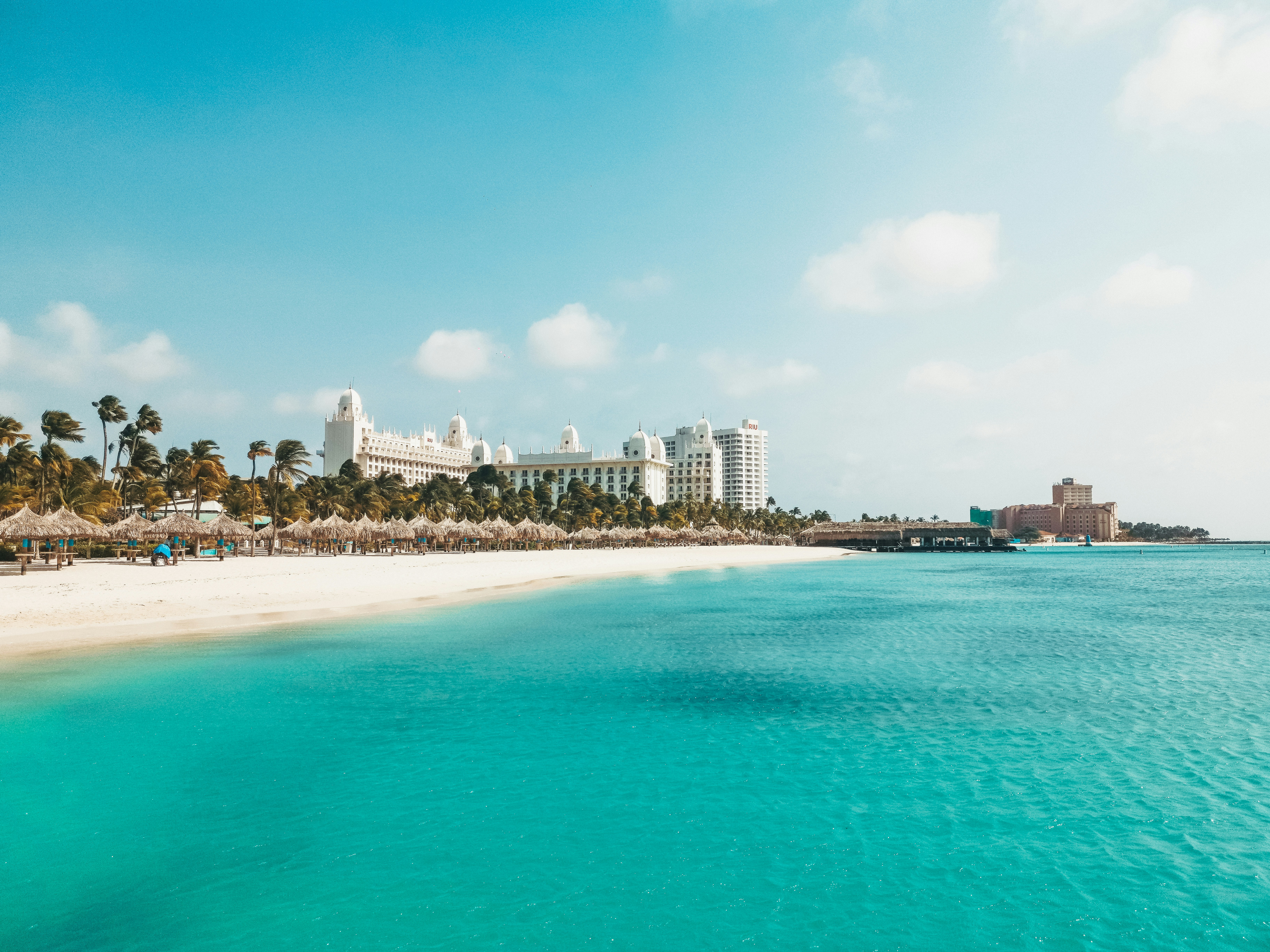
Aruba’s main populated areas—including Oranjestad, Palm Beach, Eagle Beach, Noord, and the hotel district—have dependable mobile coverage. Coverage can be less consistent around remote stretches of Arikok National Park and the island’s rugged east coast, so download offline maps before driving there. Aruba welcomed 1,515,102 stopover visitors in 2025, according to preliminary tourism data, making reliable Aruba travel internet especially useful during busy periods.
Hello also combines connectivity with trip planning, budget tracking, receipt scanning, and expense splitting in multiple currencies. That makes it practical for group trips where one person pays for a beach excursion in Aruban florins and another settles dinner in U.S. dollars.
Choosing an Aruba eSIM Plan for Your Trip
The right Aruba eSIM plan depends less on the island’s size than on how often you use video, navigation, and social media; a 5GB Hello plan is usually a sensible starting point for a week of ordinary travel, while heavier users should select more data when available in the app.
Use this guide to estimate your Aruba mobile data needs in 2026:
| Trip style | Suggested Hello data | Typical use |
|---|---|---|
| Light, 3–5 days | 5GB | Messaging, maps, email, occasional social media |
| Standard, 7–10 days | 5–10GB | Daily navigation, photos, ride bookings, social media |
| Heavy, 10–14 days | 10GB or more | Video calls, frequent uploads, hotspot use |
Prices change with plan availability and destination conditions, so check the live price in the Hello app or on Hello eSIM for Aruba before purchasing. Most travelers can reduce consumption by using hotel Wi-Fi for operating-system updates and video streaming while reserving mobile data for getting around.
Before buying, confirm that your phone is unlocked and supports eSIM technology. Recent iPhones, Google Pixel models, and many Samsung Galaxy devices do, but model and regional variations matter. If you are traveling with friends, one person’s phone can also serve as a temporary hotspot, although hotspot support and battery use depend on the device.
Aruba eSIM Coverage: Oranjestad, Beaches, and Arikok
Hello eSIM coverage is strongest where visitors spend most of their time—Oranjestad, the resort corridor, major beaches, towns, and principal roads—but remote coastlines and park interiors deserve offline preparation before you leave Wi-Fi.
Aruba is compact, yet your signal experience can change as you move from the dense hotel area toward the island’s northern and eastern edges. Expect practical 4G-level service for everyday tasks such as Google Maps, WhatsApp, online check-ins, restaurant searches, and uploading photographs around Oranjestad, Palm Beach, Eagle Beach, and Noord. Coverage is also generally useful on the main routes used to reach beaches and attractions.
Signal may be weaker or interrupted in parts of Arikok National Park, along isolated dirt roads, and near exposed stretches of the north and east coast. Download driving directions, park information, hotel details, and important reservations before setting out. Do not rely on live navigation alone when exploring the Natural Pool, Fontein Cave, or less-developed trails.
Aruba’s tourism authority notes that local physical SIM cards cost about US$20 and are available at airport and carrier shops, while Wi-Fi access has historically been offered at rates such as US$5 for one hour, US$10 for one day, and US$35 for one week. An eSIM from Hello avoids that arrival errand and lets you keep your primary number active for calls or verification messages.
How to Set Up Hello eSIM Before Flying to Aruba
Install your Hello eSIM before leaving home, but activate or enable its data connection according to the app’s instructions only when you are ready to use it; this approach minimizes airport setup stress and helps you arrive connected.
Follow these steps:
- Purchase an Aruba plan in the Hello app or through Hello eSIM for Aruba. Hello supports eSIM connectivity in more than 200 countries, and plan prices are updated live.
- Connect to reliable Wi-Fi and install the eSIM using the in-app instructions or QR code.
- Label the new line “Hello Aruba” so it is easy to identify alongside your home SIM.
- Keep your regular line enabled for calls and texts if needed, but select Hello as the mobile-data line after landing.
- Turn off data roaming on your home line to avoid accidental roaming charges.
- Enable data roaming for the Hello line only if the installation instructions require it; this is normal for some travel eSIM configurations.
- Restart your phone if data does not connect immediately, then check that the phone displays a local network signal.
Test the installation while still at home by opening the eSIM settings and confirming that the line appears. Do not delete the eSIM after the trip if you may need its records or troubleshooting details; remove it only when you are certain you will not use it again.
Using Aruba Mobile Data Without Overspending
The easiest way to control Aruba mobile data costs is to use Hello for essential connectivity and hotel or café Wi-Fi for large downloads, streaming, and backups; this preserves data for navigation and reservations when you are away from your accommodation.
Practical ways to stretch an Aruba eSIM plan include:
- Download Google Maps areas, translation languages, and travel documents before departure.
- Disable automatic photo backup over mobile data, especially if your phone records high-resolution video.
- Use Wi-Fi for streaming and large app updates.
- Save screenshots of hotel addresses, rental-car instructions, ferry or tour confirmations, and airport transfer details.
- Check your phone’s per-app data usage after two or three days and restrict background data for video and social apps.
- Carry a compact power bank because navigation, camera use, and hotspot sharing can drain a battery quickly in Aruba’s heat.
In 2025, Aruba recorded more than one million Visa cardholders from 152 countries and approximately US$696 million in spending, according to Aruba’s tourism authorities. That international visitor volume means contactless payments, booking apps, banking alerts, and digital receipts are common parts of a trip—but they all work better when your data connection is ready.
Hello’s app can also scan receipts in different languages and currencies, import bank statements, apply automatic exchange rates, and split expenses among friends. That is useful when tracking a rental car, snorkeling excursion, beach club, or shared dinner.
Common Questions About eSIM Aruba Travel
An eSIM from Hello is usually the most convenient choice for visitors who want Aruba mobile data immediately, but setup details depend on your phone, trip length, and expected usage.
Does Aruba support eSIM? Yes. Compatible unlocked phones can use Hello’s Aruba eSIM plan for data without a physical SIM swap. Check your device model and regional specifications before purchase.
Will Hello eSIM work in Oranjestad and Palm Beach? These are among the island’s most visited and best-connected areas. Service can vary in remote park and coastal locations, so download offline resources before exploring.
Can I keep my normal phone number? Usually, yes. Keep your primary SIM enabled for calls or text verification while assigning Hello as the mobile-data line. Disable data roaming on your primary line to reduce surprise charges.
How much data do I need for a week in Aruba? A 5GB Hello plan is a practical starting point for maps, messaging, browsing, and moderate social media. Choose more data if you expect video calls, frequent uploads, streaming, or hotspot use.
Can I install the eSIM after arriving? You can, but installing it at home over stable Wi-Fi is safer. Complete setup before your flight and switch the data line to Hello after landing.
What if my phone cannot use eSIM? You will need a compatible unlocked device to use Hello eSIM. Confirm compatibility before paying, particularly with older phones or models purchased for a specific regional market.
A Practical Aruba Connectivity Checklist Before Departure
The best Aruba connectivity setup combines a pre-installed Hello eSIM, offline backups, and clear phone settings, giving you dependable access to travel information from Queen Beatrix International Airport to the island’s quieter coastal roads.
Complete this checklist 24–48 hours before departure:
- Confirm your phone is unlocked, charged, and eSIM-compatible.
- Purchase a Hello Aruba eSIM plan sized for your itinerary.
- Install the eSIM while connected to trusted Wi-Fi.
- Label your lines clearly and identify which one will provide mobile data.
- Download offline maps for Oranjestad, your hotel area, Arikok National Park, and your driving routes.
- Save your accommodation address and airport transfer details offline.
- Disable automatic updates, cloud backups, and data roaming on your home line.
- Pack a charger or power bank for long beach and road-trip days.
- Add emergency contacts and your travel insurance information to your phone.
For a short resort stay, 5GB may cover the essentials. For a longer road trip with frequent navigation and photo uploads, select a larger Hello plan and monitor usage daily. You can also use Hello’s trip-planning and budget features to organize reservations and track shared costs, helping your connectivity setup fit neatly into the rest of your Aruba travel plan.
Explore These Destinations
Stay Connected
Stay connected in Aruba
Get an eSIM before you land. Hello gives you instant data in 200+ countries — no SIM swaps, no roaming fees.
Related Articles
Aruba Currency & Money Guide: Exchange, Cards, and Tips
Currency exchange, credit card acceptance, ATM tips, tipping culture, and money-saving advice for Aruba.
24 July 2026
Aruba Safety Guide: Tips for a Safe Trip
Safety tips, health advisories, emergency contacts, common scams, and travel insurance advice for Aruba.
15 July 2026
Aruba Visa & Entry Requirements for Singapore Passport Holders
Visa requirements, passport validity, customs allowances, and entry tips for Singapore citizens travelling to Aruba.
6 July 2026