eSIM for Sudan: Best Plans, Coverage, and Setup Tips
Everything you need to know about using eSIM in Sudan. Best data plans, network coverage, and setup instructions.
By Hello Travel Team
TL;DR: Is an eSIM for Sudan Worth It?
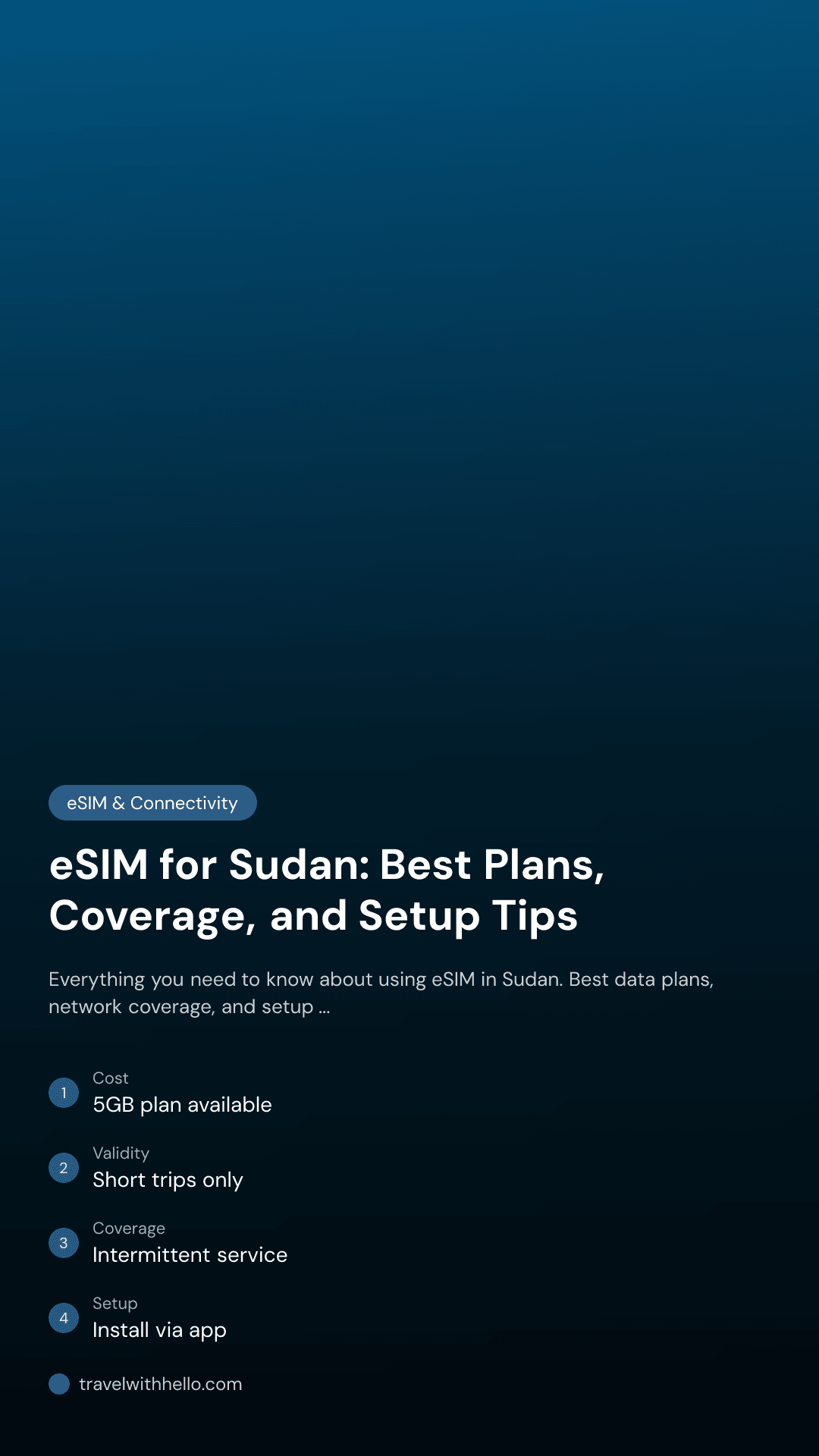
A Hello eSIM can provide convenient Sudan mobile data before arrival, but it cannot overcome network outages, damaged infrastructure, or areas without active cellular service. Sudan remains an extremely high-risk destination: Canada’s travel advisory recommends avoiding all travel because of armed conflict, civil unrest, and unreliable telecommunications, while Australia’s Smartraveller warns that phone and internet services may be unavailable. If travel is essential, buy and install Hello eSIM for Sudan before departure, download offline maps, carry backup power, and treat connectivity as a convenience rather than an emergency guarantee. Hello plans start from 5GB, with prices updated live, so check the current allowance and validity immediately before purchase. Coverage is generally more dependable in parts of Port Sudan and other populated areas than in remote or conflict-affected regions, but interruptions can last for hours or days.
Sudan eSIM Coverage: Networks, Cities, and Outage Expectations
Hello eSIM coverage in Sudan depends on the local partner network operating at your location, so an international eSIM cannot create a signal where towers, electricity, or backhaul infrastructure are unavailable. Sudan’s principal mobile operators are Zain, MTN, and Sudani, and recent connectivity reporting describes service as intermittent and uneven. Port Sudan and parts of eastern Sudan are typically among the more connected areas, while Khartoum may have neighborhood-by-neighborhood gaps. Darfur and Kordofan can experience prolonged or complete outages. The Internet Society’s 2025 country report estimated that 69% of Sudan’s population had access to at least one 4G mobile internet device, but less than 1% had access to 5G; this is a population-level measure, not a promise of service for travelers. Plan for basic messaging, maps, and occasional browsing rather than dependable video calls or continuous navigation. Before moving between cities, download maps and key addresses over Wi-Fi, save transport details as screenshots, and tell a trusted contact when you expect to reconnect. Avoid photographing military sites, checkpoints, personnel, or communications infrastructure.
Best Sudan eSIM Plan for Travel: Data Amounts and Practical Costs
The best Sudan eSIM plan is usually the smallest Hello plan that covers essential maps, messaging, and occasional browsing, because network availability—not data volume—will be the main limitation. Hello offers Sudan eSIM connectivity from 5GB, with prices and validity displayed live in the app and on the Sudan plan page. A 5GB allowance can be reasonable for a short, carefully managed trip: messaging and map searches use relatively little data, while video calls, automatic photo backups, and streaming consume it quickly. Because prices change, confirm the current USD price, validity period, activation rules, and supported network before checkout rather than relying on an old screenshot. | Travel need | Suggested Hello data approach | Practical guidance | |---|---|---| | Short essential trip | Start with 5GB | Disable video autoplay and cloud backups | | Longer stay or frequent navigation | Choose the next available larger allowance | Use Wi-Fi for updates and media | | Uncertain itinerary | Buy before departure, then monitor usage | Do not assume a top-up can fix an outage | | Emergency communications | Keep a separate backup method | Carry power banks and offline contact details | Hello’s app also supports expense splitting and budget tracking, useful when cash, currencies, and group costs become difficult to manage.
How to Set Up a Hello eSIM for Sudan Before Departure
Install your Hello eSIM while you still have reliable Wi-Fi, keep your primary SIM available for important calls, and activate mobile data only when you are ready to use the Sudan plan. Purchase the Sudan plan in the Hello app, which is available for iOS and Android, then follow the in-app installation instructions. Most phones require an unlocked device that supports eSIM; check compatibility before paying. Label the new line “Sudan” so it is easy to identify in settings. Keep your home line enabled only if you understand its roaming charges, and select Hello as the mobile-data line after landing. Turn off data roaming on your home SIM to reduce accidental charges. If the plan uses automatic activation on arrival, leave the eSIM installed and follow the plan’s instructions rather than deleting it after setup. Before flying, test that the eSIM appears in your phone’s cellular settings, screenshot the installation details, and save Hello support information offline. After landing, allow a few minutes for registration, then restart the phone if data does not connect. An eSIM from Hello is most useful when installed in advance, before airport Wi-Fi or local retail access becomes uncertain.
Sudan Travel Internet: How to Stay Connected During Outages
Sudan travel internet should be treated as intermittent infrastructure, so the safest setup combines Hello mobile data with offline tools, local planning, and several non-internet backups. Government travel advisories report continuing disruptions to electricity, telecommunications, banking, healthcare, and other essential services, with outages potentially occurring without warning. Before leaving accommodation, download offline maps for every planned area and save your hotel, driver, embassy, medical, and emergency contacts in your phone and on paper. Charge your phone and power bank whenever electricity is available; a second power bank can be more valuable than extra data. Keep enough cash for transport and basic purchases because payment systems and bank services may be disrupted. Avoid relying on live location sharing, cloud-only documents, or online translation. Download Arabic language packs and store copies of passports, visas, insurance, and permits securely offline. If traveling with friends, agree on meeting points and check-in times that still work during a complete shutdown. Hello’s expense tools can scan receipts in different languages and currencies, import bank statements, and split group costs with automatic exchange-rate conversion, but expense records should also be backed up offline.
Common Questions About Hello eSIM in Sudan
The short answer is that Hello eSIM can simplify access to Sudan mobile data, but service remains dependent on functioning local networks, electricity, and telecommunications infrastructure. Can tourists use an eSIM in Sudan? Travelers can purchase and install a Hello eSIM before departure if their phone is unlocked and eSIM-compatible; availability and supported networks should be checked in the live plan details. Will Hello eSIM work everywhere in Sudan? No. Coverage is more likely in populated areas such as parts of Port Sudan and eastern Sudan, while remote, conflict-affected, and outage-hit regions may have no usable signal. Does an eSIM guarantee internet during a shutdown? No. An eSIM routes data through available partner networks and cannot bypass a tower failure, nationwide outage, power loss, or government disruption. How much data do I need? Start with Hello’s 5GB option for essential use, then choose more only if your itinerary requires frequent navigation or tethering. Should the eSIM be installed before flying? Yes—install it over dependable Wi-Fi and download offline resources in advance. Is Sudan safe to visit? Current Canadian, U.S., and Australian advisories recommend avoiding travel because of armed conflict, kidnapping, terrorism, civil unrest, and infrastructure disruption; connectivity planning must never substitute for professional security advice.
Explore These Destinations
Stay Connected
Stay connected in Sudan
Get an eSIM before you land. Hello gives you instant data in 200+ countries — no SIM swaps, no roaming fees.
Related Articles
eSIM for Angola: Best Plans, Coverage, and Setup Tips
Everything you need to know about using eSIM in Angola. Best data plans, network coverage, and setup instructions.
3 November 2026

eSIM for Zimbabwe: Best Plans, Coverage, and Setup Tips
Everything you need to know about using eSIM in Zimbabwe. Best data plans, network coverage, and setup instructions.
5 July 2026

eSIM for Zambia: Best Plans, Coverage, and Setup Tips
Everything you need to know about using eSIM in Zambia. Best data plans, network coverage, and setup instructions.
5 July 2026